ddc-tui
Display Data Channel
There is a little known protocol that's also quite widespread. Have you ever been bothered by the controls of your external screen? It's always a pain to navigate in the menu to tune the brightness (which should be frequently adjusted with the ambiant lighting). This is also applicable to all the other settings, such as the contrast, color temperature, etc.
It turns out, most external screens can be externally-controlled, directly from the computer connected to it, thanks to the Display Data Channel interface. It's a standard that's "standard": there are some signals that are well supported across vendors, but others that are completely custom. In other words, any tool that simply follows the specification will trigger unexpected results for monitors, if it's anything else than brightness control. I exagerate a little, but not really that much.
Existing software
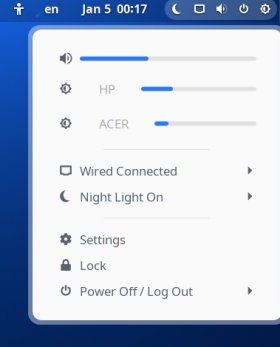
If you're running Gnome Shell, you could want an extension that conveniently brings a brightness control in the sataus bar, along with the other standard controls:
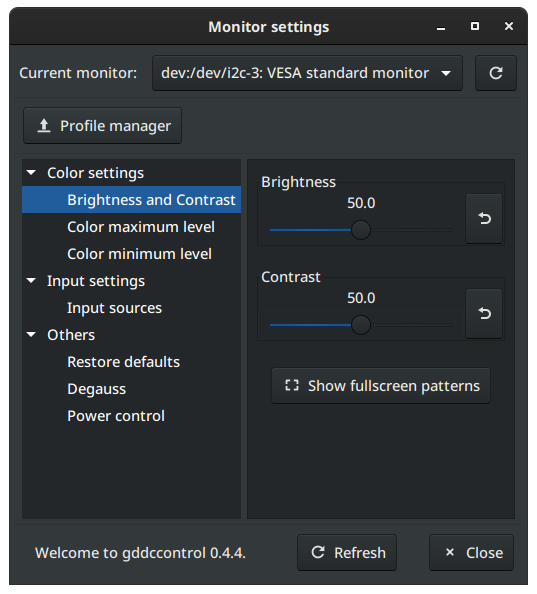
Otherwise, there is a full standalone app gddccontrol which is a good base, even though the interface can look a bit dated:
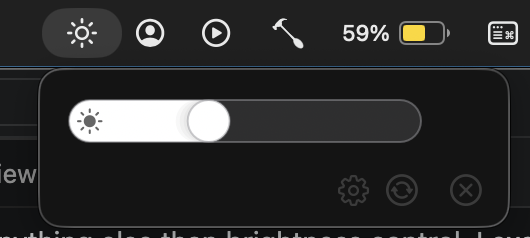
If you're running macOS, check MonitorControl out, as it integrates really well with the system (including the keyboard shortcuts to brighten or darken the screen backlight):
About ddc-tui
I wanted a cross-platform tool named ddc-tui to do exactly the same thing, without resorting to the too-plain CLI tool ddcutil (although there is a ddcui available). I chose to get it built with Rust, relying on existing crates for building an interactive terminal interface and talking to the monitors.
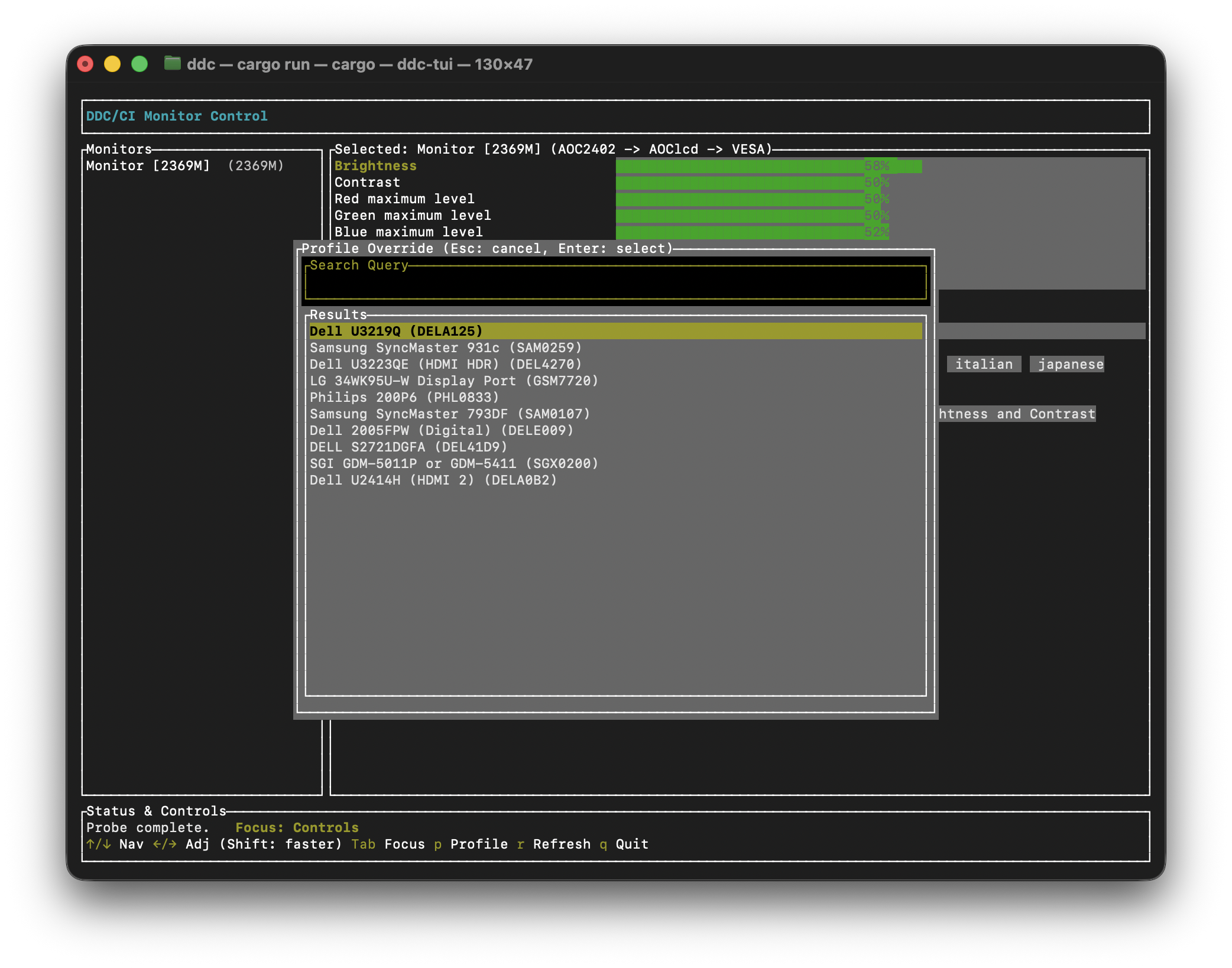
Instead of rebuilding everything from scratch, I chose to depend on the database created for the ddccontrol app. When compiling the application, all the monitor-specific codes and definitions are bundled with the app. This way, there should be an extensive support for the known monitors. My ddc-tui is also a way to override the selected monitor profile in case it's unknown but a similar monitor exists in the database which would expose a similar set of control codes.
Support
The app works with my single external monitor, both from an Apple laptop through an USB-C-to-HDMI adapter as well as directly from a Linux Mint desktop powered by an Nvidia GPU. That is the extent of the tests I ran.
Interfacing with (external) hardware is always messy, and I have barely scratched the surface of all the paths that could lead to failure: different monitors, different video connectors (VGA/DVI/HDMI/DP), different adapters, etc. On the one hand, I think it's reasonable to expect it to fail, but on the other hand, it worked directly out of the box in my case.
Feel free to play with it, maybe it will be useful to you. You can also contribute to the upstream ddccontrol-db database for broader monitor support.